Live chat for your website that converts visitors
Talk to visitors the moment they need you. FloatMessage gives you a real-time chat widget, AI auto-replies, proactive triggers, and a ticketing inbox - all from one drop-in script.
Live live chat widget - go ahead and try it.
Why teams pick this
Real-time messaging
Instant two-way conversations between you and your visitors. See who is online, where they are, and what page they're on.
AI auto-reply
Pick from Gemini, GPT-4o, or Claude. The AI answers common questions instantly and hands off to you when needed.
Proactive triggers
Auto-message visitors based on URL, country, visit count, or time on page. Catch high-intent traffic before they bounce.
Built-in ticketing
Turn any chat conversation into a tracked support ticket with notes, status, and media attachments - no extra tool required.
How it works
Enable chat in settings
Open your dashboard, go to Chat → Settings, and toggle live chat on. Customize colors, welcome message, and position.
Add the embed script
Drop a single line of JavaScript into your site's <head>. Works on WordPress, Shopify, Webflow, Wix, or plain HTML.
Start chatting
Visitors see a chat bubble immediately. You get desktop notifications and a real-time inbox in your dashboard.
Built for these use cases
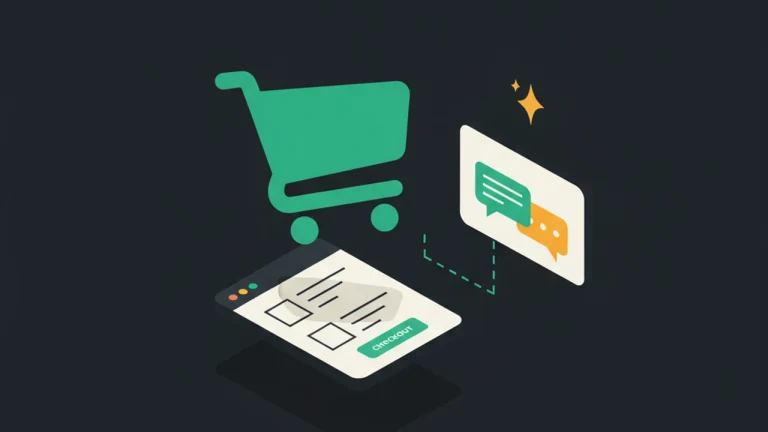
Use case 1
E-commerce stores
Recover abandoned carts by chatting with shoppers in real time. Trigger proactive messages on checkout pages.
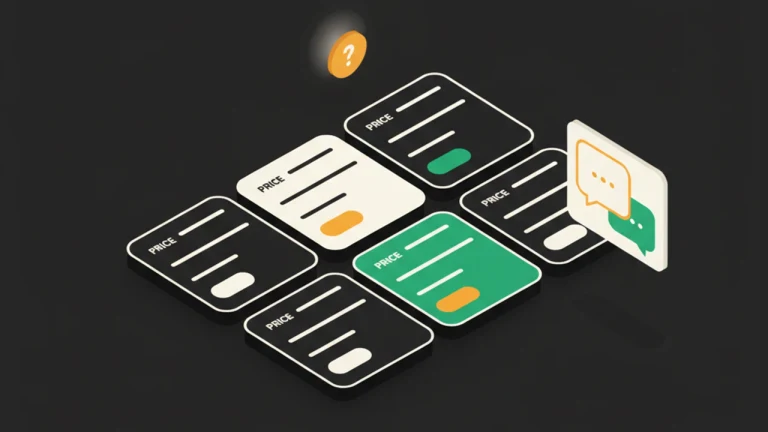
Use case 2
SaaS landing pages
Answer pricing and integration questions before visitors close the tab. Hand off to AI when you're offline.

Use case 3
Service businesses
Collect leads, qualify them with the AI, and turn the conversation into a ticket your team can follow up on.
Frequently asked questions
Is the live chat free?
FloatMessage gives you a free 30-day trial with full live chat included. After that, the Pro plan starts at $10/month with unlimited chats.
Does it work on mobile?
Yes. The chat widget is fully responsive and works on every modern mobile browser. The dashboard is also a Progressive Web App you can install on your phone.
Can I use my own AI model?
Yes. Bring your own API key for Gemini, OpenAI (GPT-4o, GPT-4o mini), or Anthropic (Claude Sonnet, Claude Haiku). Switch models any time from settings.
How does the AI know about my product?
FloatMessage's Knowledge Base lets you add URLs (pricing, FAQ, docs), free-text notes, and uploaded files (PDF, DOCX, TXT, MD). The AI uses all of it as context for every reply. New domains are auto-bootstrapped from your front page so the AI starts smart on day one.
Can I take over from the AI?
Yes. The moment you send a manual message, the AI automatically pauses for that conversation so you stay in control.
Does live chat work with WordPress, Shopify, Webflow, Wix, and Squarespace?
Yes. The chat widget is a single drop-in <script> tag that works on every common stack - WordPress (plugin or theme header), Shopify (theme.liquid), Webflow (project custom code), Wix (custom code injection), Squarespace (code injection), Ghost, Next.js, plain HTML, and Google Tag Manager. No build step or SDK required.
Can I trigger live chat by URL, country, or schedule?
Yes. Pair the chat widget with FloatMessage's targeting layer to show, hide, or proactively message visitors by URL pattern, country (geo-IP at the edge), device class, schedule window, or visit count - every targeting rule the rest of the platform supports applies to chat too.
Can I customize the chat widget colors, position, and branded subdomain?
Yes. Theme colors, widget position (bottom-left or bottom-right), launcher icon, and welcome message are all editable in Settings → Chat. Enterprise plans also unlock a branded subdomain (chat.<your-name>.floatmessage.com) and white-label sender names for outbound emails.
Try live chat free for 30 days
No credit card required. Full access to every feature.
Start Free 30-Day TrialRelated features
Live Chat & AI
Live Chat
Add live chat to your website with an optional smart auto-reply that answers visitor questions 24/7 from your own knowledge base. Human takeover is automatic.
Smart Targeting
Geo Targeting
Show different popups to visitors from different countries. Localize offers, comply with regional laws, and personalize messaging - no code required.
Floating Messages
Popup Builder
Build website popups with 17 pre-made templates. Drag-and-drop editor, smart triggers, scheduling, and a one-line embed script. No code required.
Push & Notifications
Push Notifications
Send web push notifications to your visitors' desktops and phones. Custom VAPID, PWA badge support, no subscription fees. Free with FloatMessage.
Forms & Feedback
Contact Forms
Add a popup contact form to any website. Built-in validation, webhook forwarding to Slack/Zapier, and a submissions inbox in your dashboard.