Get a business website AND every way to engage customers - built by AI.
Describe your business in a sentence. We generate a polished landing page on a branded subdomain - and you get live chat, popups, contact forms, appointment booking, and surveys baked in. One product, one trial, every customer touchpoint covered.
Live landing pages + every engagement tool widget - go ahead and try it.
Why teams pick this
Prompt to published in minutes
Describe your business in 2–4 sentences. We write the full page (hero, features, CTA, FAQ, form, footer) in under 10 seconds. Edit anything, hit Publish.
Branded <your-name>.floatmessage.com
Claim a branded subdomain for any landing page - wildcard SSL is automatic, no DNS work on your side. Or share the canonical /p/<slug> URL. Both work day one.
Live chat with smart auto-reply
Every page ships with the FloatMessage chat widget. Talk to visitors in real time, or let the AI handle the easy questions and hand off the rest.
Floating messages + popups
18 templates: welcome banners, exit-intent offers, sticky promotions, cookie consent. Pick one, customize the copy, and it goes live on every page.
Self-service appointment booking
Visitors pick a slot from your calendar without leaving the page. Confirmations send automatically with a .ics file plus Google / Outlook deep links.
Contact forms + ticketing
Every template has a lead form. Submissions land in your dashboard, can be turned into trackable tickets, and forward to your CRM via webhook.
Surveys, NPS, ratings
Measure what visitors actually think. NPS, multiple choice, star ratings, multi-step surveys - all from the same dashboard.
Lighthouse 95+ out of the box
Inline critical CSS, zero client JS for the page itself, hero image preload, WebP everywhere, intrinsic image sizes. Served from the edge worldwide.
SEO baked in
Canonical tag auto-points at your branded subdomain. Template-aware JSON-LD (LocalBusiness, Event, Person, Course, Product, WebSite), OpenGraph, Twitter cards, sitemap inclusion.
How it works
Pick a template
Choose from 8 starter templates in the signup wizard or dashboard. Each one shows a visual thumbnail so you can pick by use case.
Describe your business
Write 2–4 sentences: who you serve, what you do, what makes you different. Pick a color theme. Hit Generate.
Refine or upload
Every section has Regenerate. Hero and CTA accept Upload from computer too - pick your own image or keep the generated one.
Publish & claim a subdomain
Your page goes live at floatmessage.com/p/your-slug. Optionally claim <your-name>.floatmessage.com - the branded URL takes effect instantly, and the entire engagement layer (chat, popups, forms, bookings, surveys) is preinstalled.
Built for these use cases
Use case 1
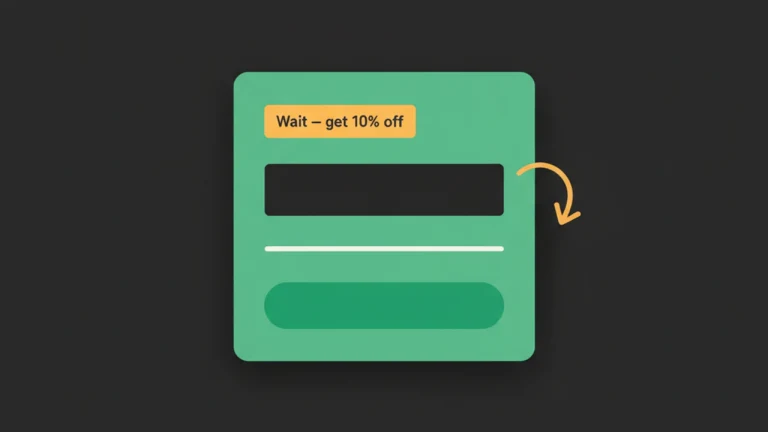
Catch a leaving visitor with a popup
An exit-intent popup with a 10%-off code or a content download. Picks the visitor up right before they bounce - and the email goes straight into your dashboard inbox.
Use case 2
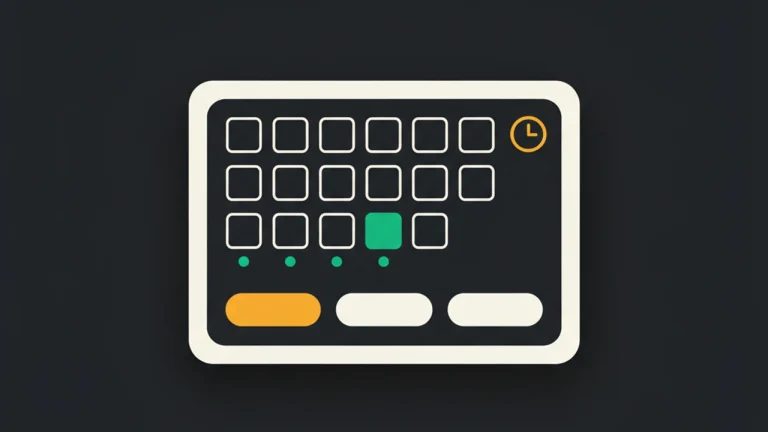
Let visitors book an appointment themselves
Slot picker on the page, calendar grid synced to your weekly availability. Visitor books, gets a confirmation email with .ics + Google Calendar link, you see it in the dashboard.
Use case 3
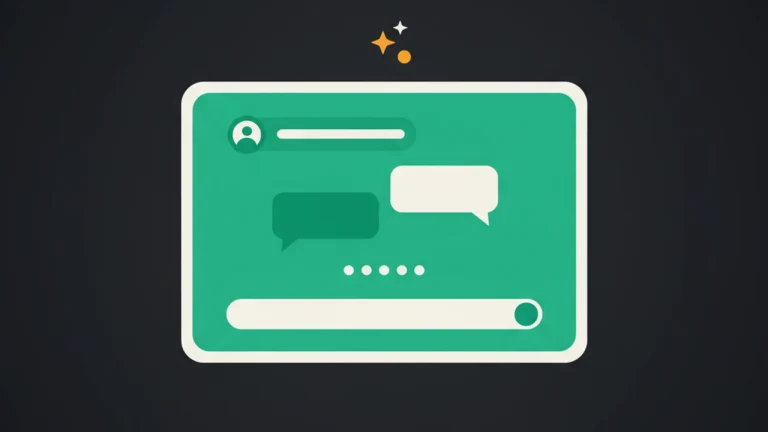
Answer questions in real time with chat
A live chat panel sits in the corner of every page. Optional smart auto-reply handles repetitive questions; you take over the rest, with the conversation auto-saved as a ticket.
Use case 4
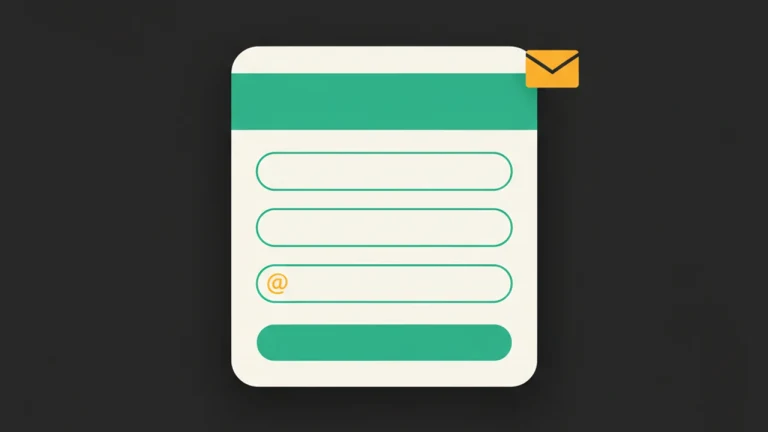
Collect leads with a contact form
Every template ships with a lead form - name, email, message, plus any custom fields you add. Submissions land in /dashboard/submissions and forward to your CRM via webhook.
Use case 5
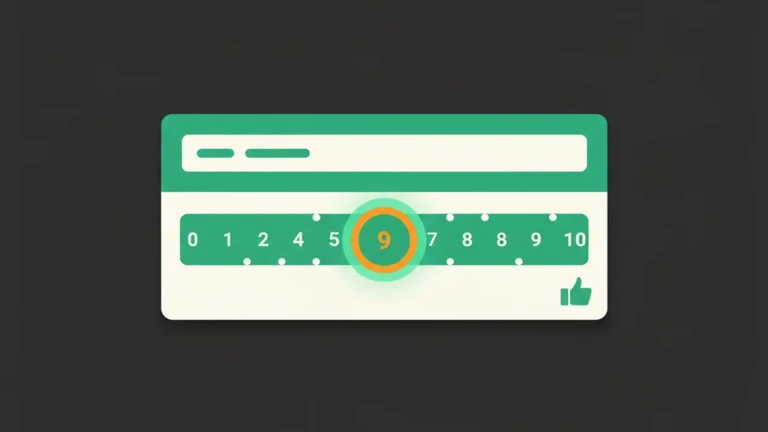
Measure satisfaction with NPS or ratings
Run a quick NPS or star-rating survey on your page. See the score, recent text answers, and aggregate distributions in /dashboard/surveys with one-click CSV export.
Frequently asked questions
Do I need a website to use this?
No. Landing pages are hosted by FloatMessage. You get three URL forms for every page: a branded <your-name>.floatmessage.com subdomain, a shared lps.floatmessage.com/<slug> URL, and the canonical floatmessage.com/p/<slug>. Wildcard SSL, edge caching, and SEO are all set up out of the box. If you already have a site, you can embed FloatMessage there instead - both flows are supported.
How do I claim a branded subdomain?
Open the page in the editor, type a label in the Custom subdomain field (e.g. "acme" for acme.floatmessage.com), watch the green "available ✓" badge, save, and publish. The page is reachable instantly - no DNS work required.
How is the page actually generated?
AI writes the copy from your description and generates matching images per template slot, with structured output so the result is always a valid, complete page. Final images are auto-converted to WebP for fast loads. The exact provider stack is documented in /docs/landing-pages.
Can I upload my own images?
Yes. The hero and CTA sections have an Upload button next to the Generate button. Images get client-side compressed to WebP at max 1920px before uploading.
How many landing pages can I create?
Free trial: 1. Pro: 5. Enterprise: unlimited. Each page you create doesn't count until it's published, and you can archive pages to free up the slot.
Are the pages fast?
Yes. Target Lighthouse scores: Performance ≥ 95, SEO = 100, Accessibility ≥ 95. Inline critical CSS, zero client JS (except the FloatMessage embed itself with defer), WebP images with intrinsic sizes, hero preload via <link rel="preload">, edge caching worldwide.
Can I use my own domain?
Bring-your-own-domain (e.g. landing.yourcompany.com) is on the roadmap. Today you can claim a branded <your-name>.floatmessage.com subdomain from the editor, and every page is also reachable at lps.floatmessage.com/<slug> and floatmessage.com/p/<slug>. None of those URLs will break when custom domains ship.
Do landing-page forms submit to the same inbox as my floating-message forms?
Yes. Both show up in /dashboard/submissions with a "Landing" badge on landing-page rows. Per-page leads are also viewable at /dashboard/landing-pages/[id]/leads.
Can I use targeting (geo, device, schedule) on the popups, chat, and forms inside an AI landing page?
Yes. The full FloatMessage targeting layer applies to every engagement element on the page - show a different exit-intent offer per country, run the chat widget only during business hours, hide the appointment booker on mobile, schedule a Black Friday promo to auto-publish on Nov 28. One config tab per element.
Does the AI also generate the chat auto-replies and contact-form fields?
Yes. On generation, FloatMessage seeds the live-chat knowledge base with 3-5 starter notes summarizing your business (so the AI auto-reply works on day one), and infers contact-form fields from your description (e.g. a salon page gets a 'preferred service' dropdown by default). Both are editable.
Can I A/B test landing-page copy or images?
Today: clone any page (Dashboard → Landing → Duplicate), change copy or theme on the clone, and run both at separate URLs while comparing form submissions and chat conversions in the dashboard. Native split-testing is on the roadmap.
Try landing pages + every engagement tool free for 30 days
No credit card required. Full access to every feature.
Create your AI landing pageRelated features
Floating Messages
Popup Builder
Build website popups with 17 pre-made templates. Drag-and-drop editor, smart triggers, scheduling, and a one-line embed script. No code required.
Forms & Feedback
Contact Forms
Add a popup contact form to any website. Built-in validation, webhook forwarding to Slack/Zapier, and a submissions inbox in your dashboard.
Live Chat & AI
Live Chat
Add a live chat widget to your website in minutes. Real-time visitor messaging, AI auto-replies, proactive triggers, and ticketing - all in one tool.
Forms & Feedback
Book Appointments
Let visitors pick a slot from your calendar without leaving the page. Bookings sync to your dashboard, confirmations send automatically with .ics + Google/Outlook deep links.
Smart Targeting
Geo Targeting
Show different popups to visitors from different countries. Localize offers, comply with regional laws, and personalize messaging - no code required.
Live Chat & AI
Live Chat
Add live chat to your website with an optional smart auto-reply that answers visitor questions 24/7 from your own knowledge base. Human takeover is automatic.