Use Geo-Targeting for Localized Messages
Different visitors from different countries often need different messages - localized offers, language-specific promotions, or region-specific announcements. FloatMessage's geo-targeting lets you show messages only to visitors from specific countries.
Create a message for a specific region
In your FloatMessage dashboard, click New Message and design a message tailored to a specific audience - for example, a promotion in local currency or a region-specific announcement.
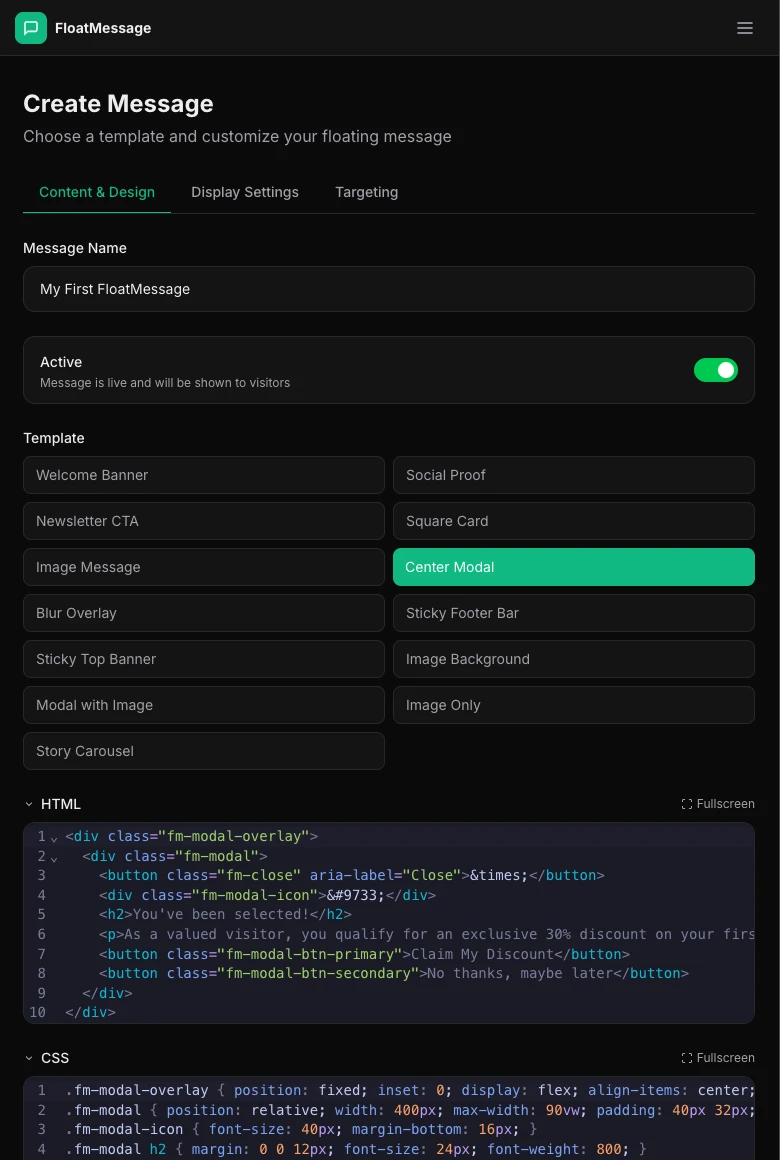
Set allowed countries in the Targeting tab
Click the Targeting tab. In the Allowed Countries section, select the countries where this message should appear.
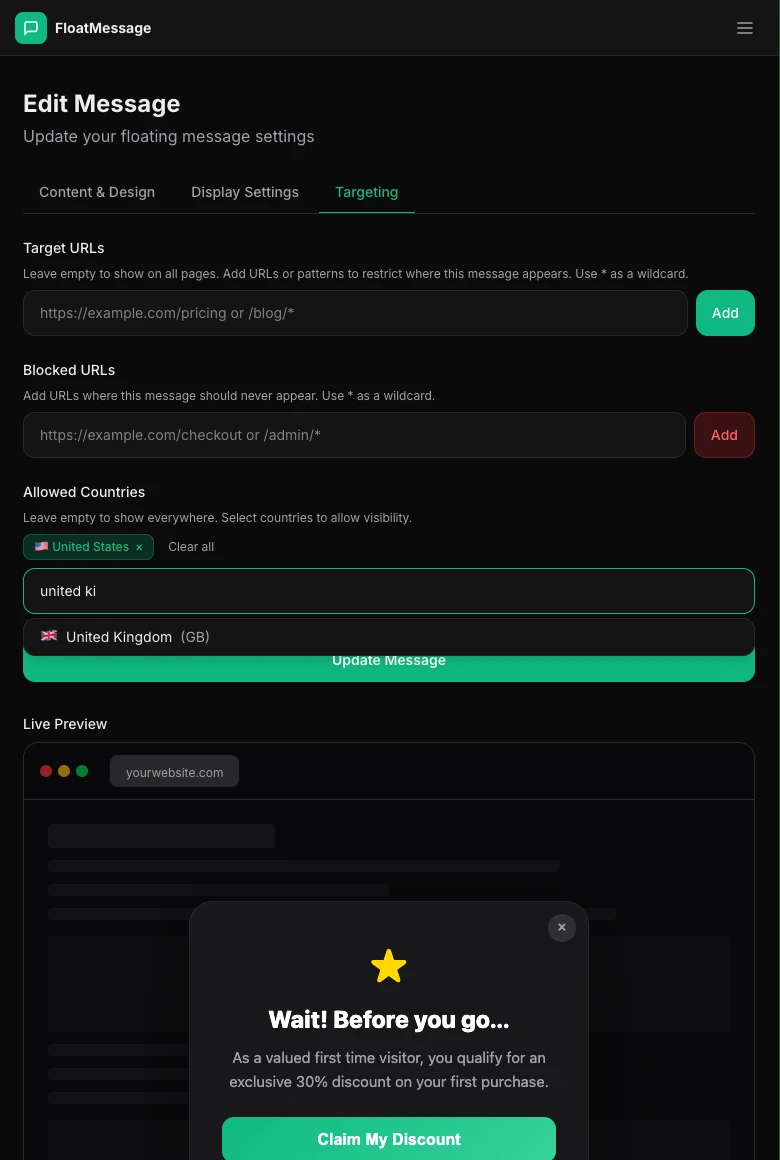
Only visitors from the selected countries will see the message. Everyone else will see nothing (or a different message if you create one for their region).
Create region-specific messages
To show different messages to different countries, create multiple messages - each one targeted to a specific region. For example:
US visitors
"Free shipping on all US orders over $50!"
UK visitors
"Free delivery on all UK orders over £40!"
EU visitors
"Kostenloser Versand ab €50!" (in local language)
Combine with URL targeting
The Targeting tab also includes Target URLs and Blocked URLs. You can combine these with geo-targeting for precise control:
- Target URLs - only show the message on specific pages (e.g., your pricing page for US visitors)
- Blocked URLs - hide the message on specific pages (e.g., don't show on checkout)
/products/* matches all product pages.How geo-targeting works
FloatMessage uses Cloudflare's IP geolocation to detect visitor countries. This happens automatically - no extra setup needed. A few things to keep in mind:
- Detection is based on the visitor's IP address and is highly accurate
- Visitors using VPNs may appear as a different country
- Geo-targeting works for both floating messages and the live chat widget